How 3× speed works in Colony Flow
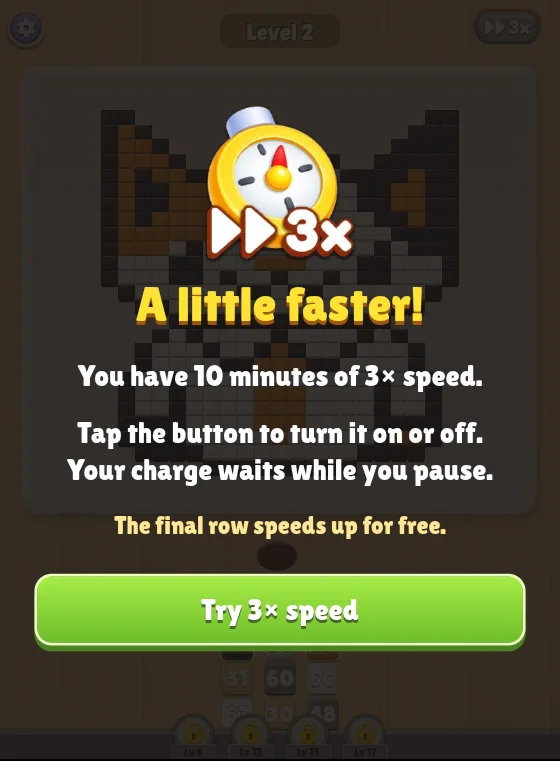
DRA’s browser game gives you 10 minutes of 3× speed when you reach the Level 2 tutorial. Use the button in the upper-right corner to start or pause the charge.
Verified on build 2026.09.28.019 (November 25, 2026)
On this page
Where should you look for the speed charge?
- After the ice pop board, follow the prompt pointing to the top-right button. Select the option to try 3× speed.
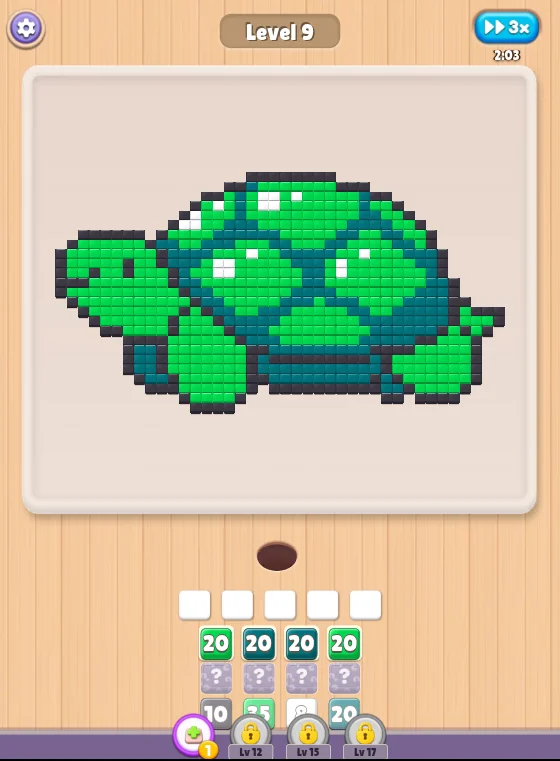
- Look under the blue button for the remaining time. Tap the button to pause the charge while you compare the cat board with the next moves.
- Resume after you have picked the next squads. For practice, use the opening black 60, white 60 and orange 10 to see how quickly the ants clear their first patches.
Use the button and its time display to tell whether the charge is running. The tutorial says the final row already speeds up for free.
How do you keep the remaining charge?
Tap the button again when you want to pause 3× speed. The tutorial says the charge waits while paused. If you need time to compare colors or count slots, pause the speed first. Turn it on again when you have queued the squads you want to watch finish.
When does the game speed up on its own?
The tutorial says the final row speeds up for free. That gives you a way to save the timed charge for earlier parts of the board. Keep checking available slots and the picture edge as the board changes.